
Give a collection a story worth browsing
Bring individual works into a thoughtful sequence. A theme, an order, and an introduction turn organized records into a collection worth exploring.
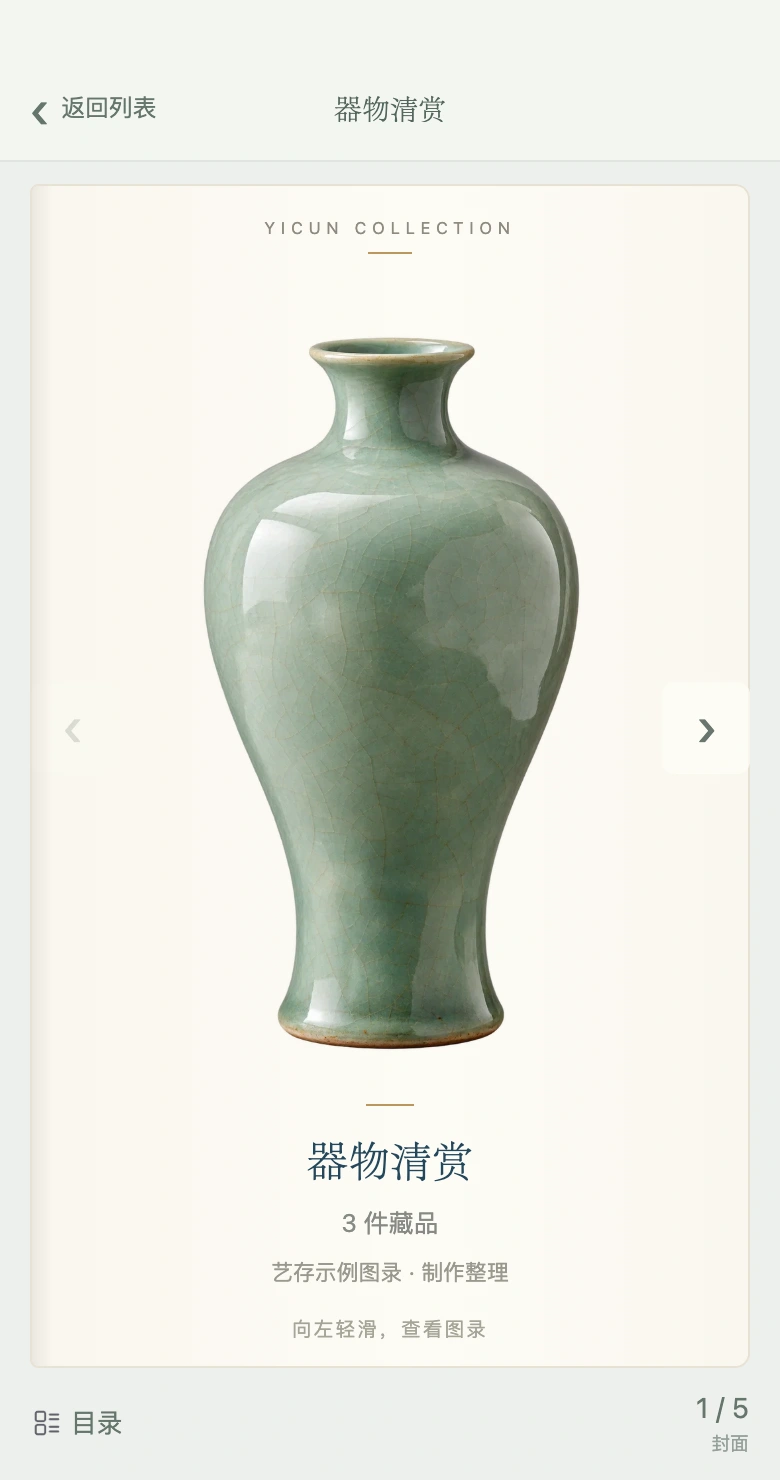
Dedicated covers, book-style browsing, the contents view, and in-frame zoom are part of the updated experience. Availability depends on release progress and the client you use. Updates
Begin with the archives you already have
A catalogue builds on individual artwork records. Select works around an artist, category, period, or personal theme, then arrange their order. Each piece keeps its own archive while the catalogue tells the wider story of a collection.
Set the scene with a cover and introduction
Give a catalogue a name and an introduction that explains the selection. The updated editing experience supports a dedicated cover. Use information you can substantiate; a catalogue does not provide authentication or valuation conclusions.
Make room to appreciate each work
The updated reader presents one work per page with book-style browsing, a contents view, Lot numbers, and page navigation. In-frame zoom and panning preserve the image proportions while revealing detail. These capabilities depend on the released client version.
Share a considered selection
Send a catalogue through a link or QR code so someone else can explore a group of works. Your archive holds the underlying collection information; shared views show only the information allowed for publication. Use catalogues for personal themes, collection reviews, and everyday conversations.
Where to begin
- Create archive records for the works you want to include
- Select and arrange works, then add a theme and introduction
- Review the public information and share a link or QR code
Questions about digital catalogues
How does a catalogue differ from an artwork archive?
An archive records one piece. A catalogue organizes several pieces around a theme for reading and sharing. Both build on the same artwork records.
Are all the updated reader features available now?
Availability varies by client. Check the release notes and the version you use for dedicated covers, book-style browsing, in-frame zoom, and other updated features.